If you’re using Microsoft 365 Business Premium or speaking with an IT provider, you’ve probably heard the term Microsoft Intune.
For many business owners, it sounds technical — something “IT manages in the background.”
But in simple terms:
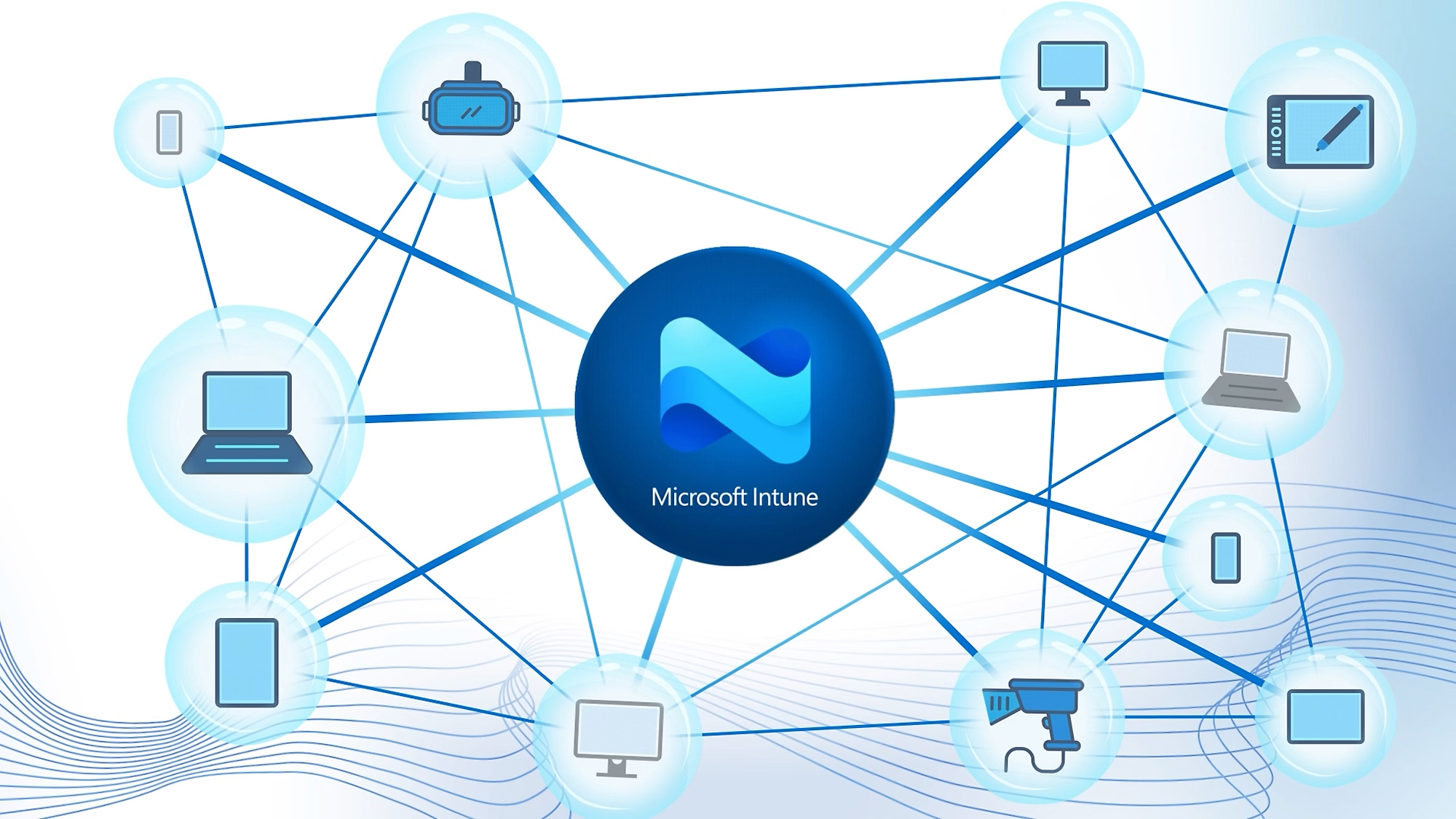
Microsoft Intune is the system that manages and secures your company’s devices (laptops, phones, tablets) and controls what they can do.
It sits at the centre of modern device management and is one of the key tools that enables secure remote work.
The simplest way to understand Intune
Think of Intune as:
The remote control system for all your business devices.
It doesn’t matter if the device is:
- A company laptop
- A personal phone used for work (BYOD)
- A tablet in the field
- Or a remote worker’s home computer
Intune decides:
- What can be installed
- What settings are enforced
- What data can be accessed
- What happens if the device is lost or unsafe
Real-world examples of what Intune actually does
This is where Intune becomes very practical.
1. “We just gave someone a new laptop”
Scenario:
A new employee starts and receives a laptop.
Without Intune:
- IT manually installs apps
- Configures settings one by one
- Hope nothing is missed
With Intune:
- The laptop is automatically configured when it’s logged in
- Microsoft 365 apps install automatically
- Security policies are applied instantly
- Email, Teams, and OneDrive are ready to go
This is called zero-touch provisioning.
2. “We need to secure company data on staff phones”
Scenario:
Employees use their personal phones for work email and Teams.
Intune can:
- Require a PIN or biometric lock
- Prevent copy/paste of company data into personal apps
- Allow wiping only business data (not personal photos/messages)
- Enforce encryption on the device
This is called Mobile Device Management (MDM) + Mobile Application Management (MAM).
3. “We want all laptops to have the same security setup”
Scenario:
You want every company laptop to follow the same rules.
Intune can enforce:
- BitLocker disk encryption
- Antivirus and firewall settings
- Screen lock after inactivity
- Password complexity rules
- Approved software only
This is your company-wide security baseline applied automatically.
4. “A laptop is lost or stolen”
Scenario:
An employee leaves a laptop in a café or it gets stolen.
With Intune, IT can:
- Remotely lock the device
- Wipe all company data instantly
- Prevent the device from reconnecting to systems
- Protect Microsoft 365 data from being accessed
The device becomes unusable for business access immediately.
5. “We allow staff to use their own devices”
Scenario:
Staff use personal laptops or phones for work.
Intune allows:
- Separation of work and personal data
- Business apps controlled without touching personal files
- Secure access to company email and files only
- Removal of company data when employment ends
This is called BYOD (Bring Your Own Device) management.
6. “We have remote workers everywhere”
Scenario:
Employees work from different cities or countries.
Intune ensures:
- Devices meet security standards before accessing data
- Only compliant devices can access Microsoft 365
- Security policies follow the user everywhere
- IT doesn’t need physical access to manage devices
This enables secure remote work at scale.
So what is Intune really doing?
In simple terms:
Intune is the system that enforces rules on your devices so they stay secure, consistent, and compliant.
It doesn’t replace Microsoft 365 — it protects how it is accessed.
How Intune connects with Entra ID (important context)
Intune doesn’t work alone.
It works with Microsoft Entra ID:
- Entra ID = controls who can sign in
- Intune = controls the device they sign in from
Together they enable:
- Conditional Access (only trusted users on trusted devices)
- Zero Trust security
- Secure remote work
- Full device compliance enforcement
Why businesses use Intune
Most businesses adopt Intune for three reasons:
1. Security
- Prevent data leaks
- Control unmanaged devices
- Enforce encryption and policies
2. Control
- Standardise all company devices
- Remove manual IT setup
- Manage everything remotely
3. Scale
- Onboard employees quickly
- Support remote teams
- Reduce IT overhead
Simple takeaway
If you strip away the technical language:
Microsoft Intune is how businesses make sure every device that accesses company data is secure, compliant, and under control — no matter where it is.
Why it matters in Microsoft 365 Business Premium
Intune is one of the biggest reasons Business Premium is considered the “security baseline” for modern SMBs.
Without Intune:
- Devices are unmanaged
- Security is inconsistent
- Data is harder to protect
With Intune:
- Devices become controlled endpoints
- Security policies are enforced automatically
- Business data stays protected even on remote or personal devices